Packing
5 Ways Poor IT Equipment Packing Ruins Abbotsford Office Moves
By Low Budget Moving and Storage4 min read
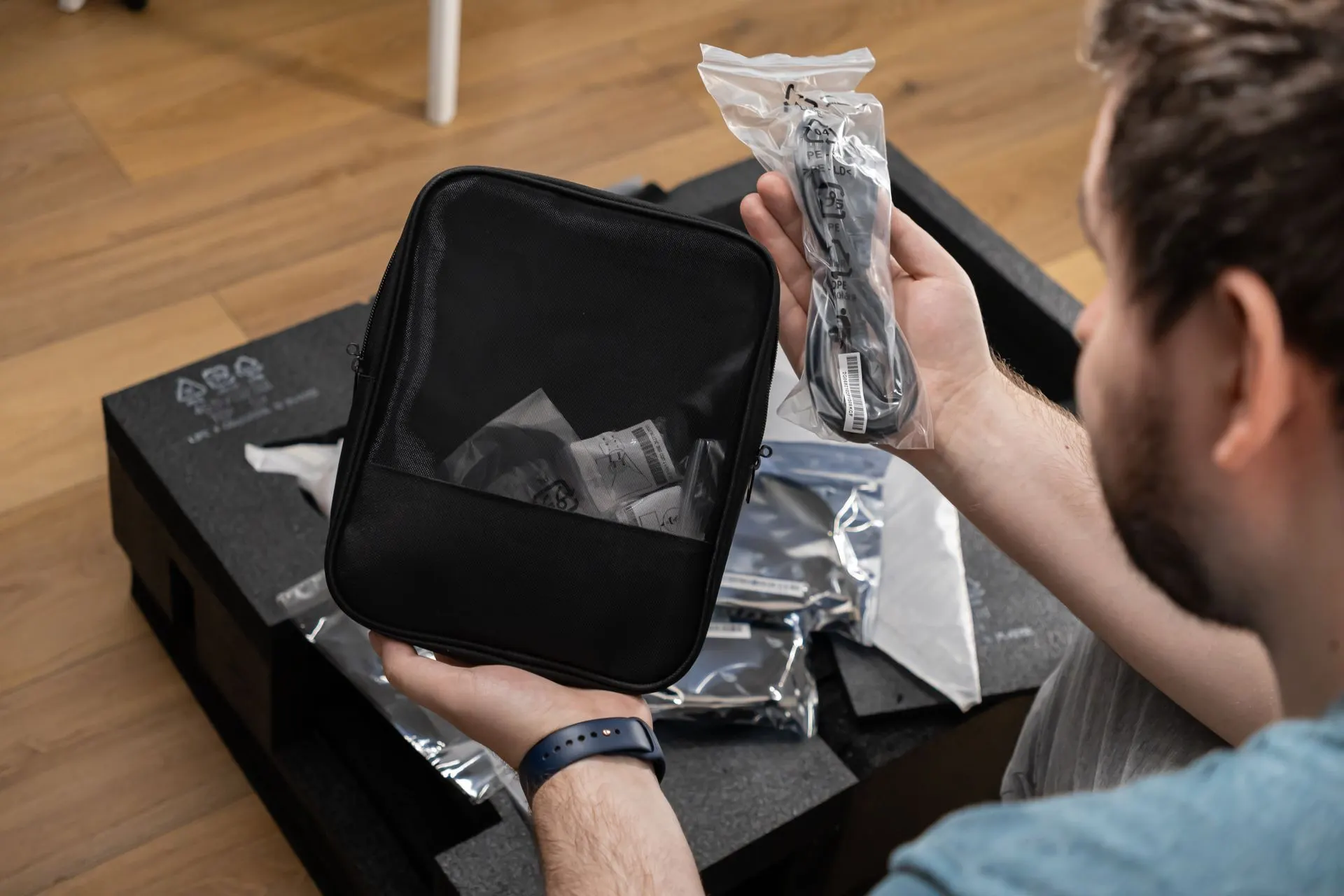
Moving a business involves a lot more than just hauling desks and filing cabinets across town. The team at Low Budget Moving and Storage - Abbotsford knows that the biggest financial risk during a corporate relocation is damaged technology. When packing electronics for office move projects is handled poorly, companies face expensive hardware replacements and massive productivity losses.
Computers, servers, and monitors require specific handling procedures to survive the vibrations and impacts of transit. A standard cardboard box and some crumpled paper will not cut it when dealing with sensitive commercial equipment. Applying the right packing techniques ensures your office is back online and operational on day one at the new location.
In This Article:
- Tip 1: Disconnect and Label Cables Correctly
- Tip 2: Utilize Anti Static Materials
- Tip 3: Secure Hard Drives and Servers
- Tip 4: Pack Monitors with Hard Screen Protection
- Tip 5: Keep Peripherals Grouped by Workstation
- Frequently Asked Questions
Tip 1: Disconnect and Label Cables Correctly
Tossing a web of tangled wires into a plastic bin is the fastest way to stall your IT department during setup. Every cable must be clearly matched to its corresponding machine before it ever leaves the desk. Proper labeling prevents the chaotic guessing game when trying to reconnect dual monitor setups.
• Color Coding: Use colored zip ties or tape to match power cords with their specific devices.
• Port Mapping: Take a quick photo of the back of complex machines before unplugging anything.
• Bundle Management: Coil thick power cables loosely to prevent internal wire breakage during transport.
Tip 2: Utilize Anti Static Materials
Static electricity can silently fry motherboards and internal components during a commercial moving project. Standard bubble wrap generates a heavy static charge when it rubs against plastic monitor casings or exposed server ports. You must wrap sensitive computing hardware in materials designed to dissipate static buildup.
• Pink Bubble Wrap: Use anti static packing materials specifically manufactured for electronic components.
• Grounded Handling: Ensure your packing staff discharges static before touching exposed circuit boards or server drives.
Tip 3: Secure Hard Drives and Servers
Enterprise servers and physical hard drives hold the lifeblood of your company data. These heavy units are highly sensitive to physical shock and cannot simply be thrown onto a hand truck. Transporting server racks requires heavy duty crating and specialized shock absorbing pallets.
• Data Backup: Always execute a full cloud or offsite backup before unbolting any server equipment.
• Shock Absorption: Rest servers on thick layers of dense foam rather than standard packing peanuts.
• Rack Removal: Slide individual blades out of the main rack to reduce the overall weight and prevent chassis warping.
Tip 4: Pack Monitors with Hard Screen Protection
Modern office displays are incredibly fragile and prone to cracking under minimal pressure. Leaning a keyboard against a monitor screen inside a moving box can cause permanent dead pixels. Packing and unpacking flat screens requires rigid barriers to shield the glass from impacts.
• Hard Cardboard Shields: Tape a thick piece of flat corrugated cardboard directly over the screen face.
• Vertical Positioning: Pack monitors standing upright in their natural position rather than laying them flat.
• Original Packaging: Reuse the factory styrofoam inserts and boxes if your IT department kept them in storage.
Tip 5: Keep Peripherals Grouped by Workstation
Mixing mice, keyboards, and headsets from different desks creates a massive sorting nightmare upon arrival. Each employee needs their specific peripherals kept together so they can get right back to work. Creating a sealed kit for every workstation streamlines the deployment process.
• Bagging Components: Seal small items like flash drives and wireless mouse dongles in clear zip bags.
• Workstation Naming: Label every bag and box with the employee name and new desk number.
• Safe Transport: Load all peripheral kits into heavy duty plastic commercial moving bins to prevent crushing.
Frequently Asked Questions
How do you safely pack computer monitors for an office move?
Monitors need to be protected from direct pressure on the screen and corner impacts. We recommend using hard cardboard cutouts taped over the display area followed by a layer of anti static bubble wrap. The units should then be placed upright in heavy duty commercial bins rather than soft cardboard boxes.
What is the best way to transport server racks locally?
Server racks must be transported by professionals using air ride suspension trucks to minimize road vibration. The heavy individual server blades should be removed from the main chassis and packed into custom foam lined crates. The empty metal rack can then be strapped securely to the wall of the moving truck to prevent tipping.
Do movers supply specialized bins for office technology?
Yes, a reputable commercial crew will provide sturdy plastic crates specifically designed for office relocations. These rigid bins stack perfectly and do not collapse under heavy weight like standard cardboard. They offer superior protection against crushing and moisture when moving gear through Abbotsford business parks.
Protecting Your Hardware Investment
Applying these packing methods directly reduces the risk of hardware failure and gets your team back online faster. Giving your IT equipment the proper care it requires ensures your business does not miss a beat during the transition. Contact our commercial team today to plan a safe and efficient relocation for your entire office setup.
Planning a move?
Get a free, upfront quote from Low Budget Moving.